Startpage
You get a list of on enabled application groups in a table view.
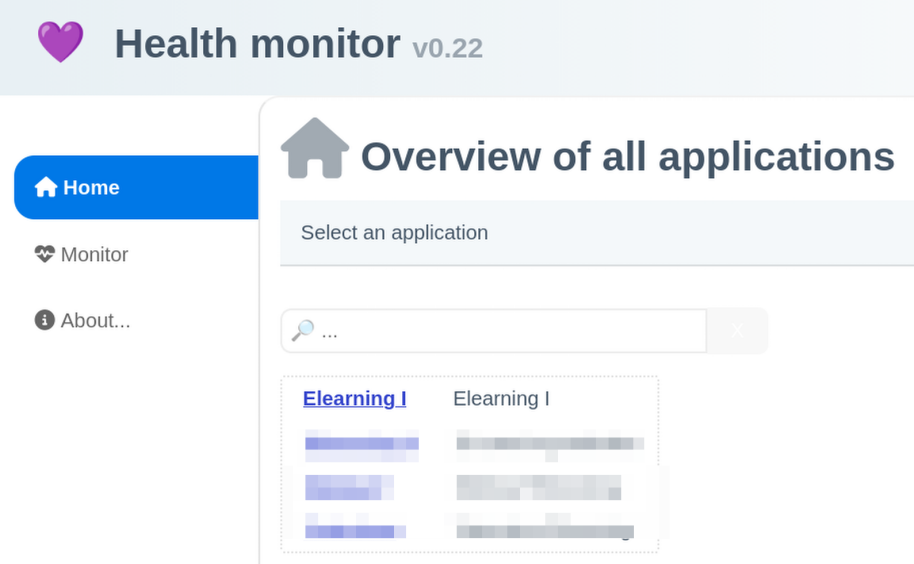
By typing in the search field you can filter the list.
By clicking a linked group name you get its detail page.
Basic elements you know from every website:
On top left the text “Health monitor” is linked to this home page. On the left there is a navigation menu.
Variants
The website admin can configure the behaviour.
- The navigation on the left can be hidden
- The navigation between monitored applications can be hidden. Then you get a message about it