Table of Contents
First application group
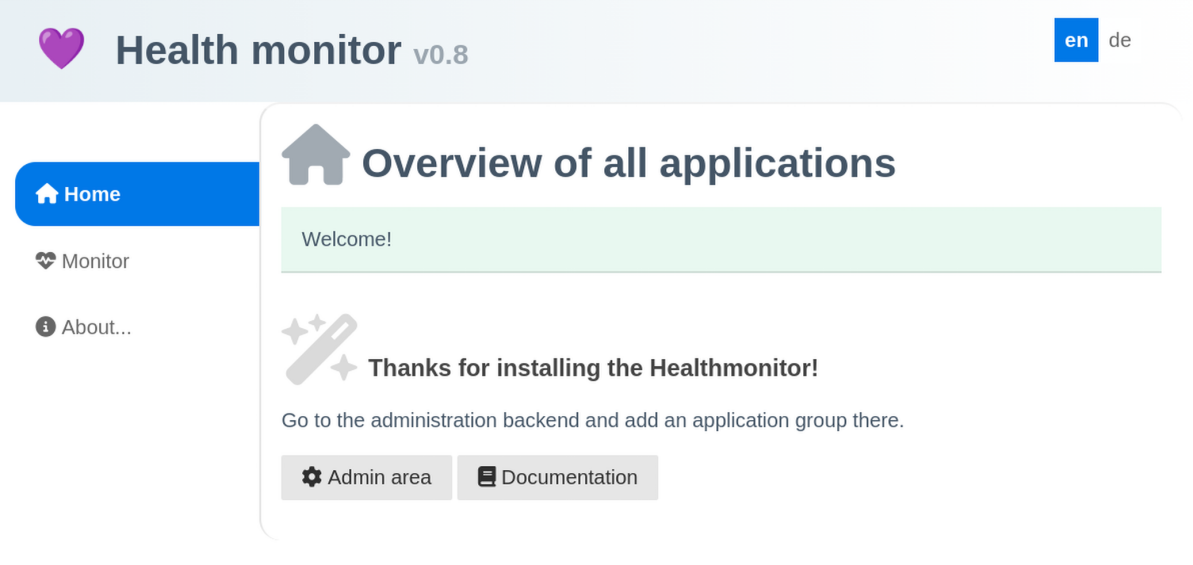
If you open the website you get a welcome message and a link to the Admin backend.
You should get a basic auth window to login.
If the login was successful you should see the admin backend with a [+] button to add an application group.
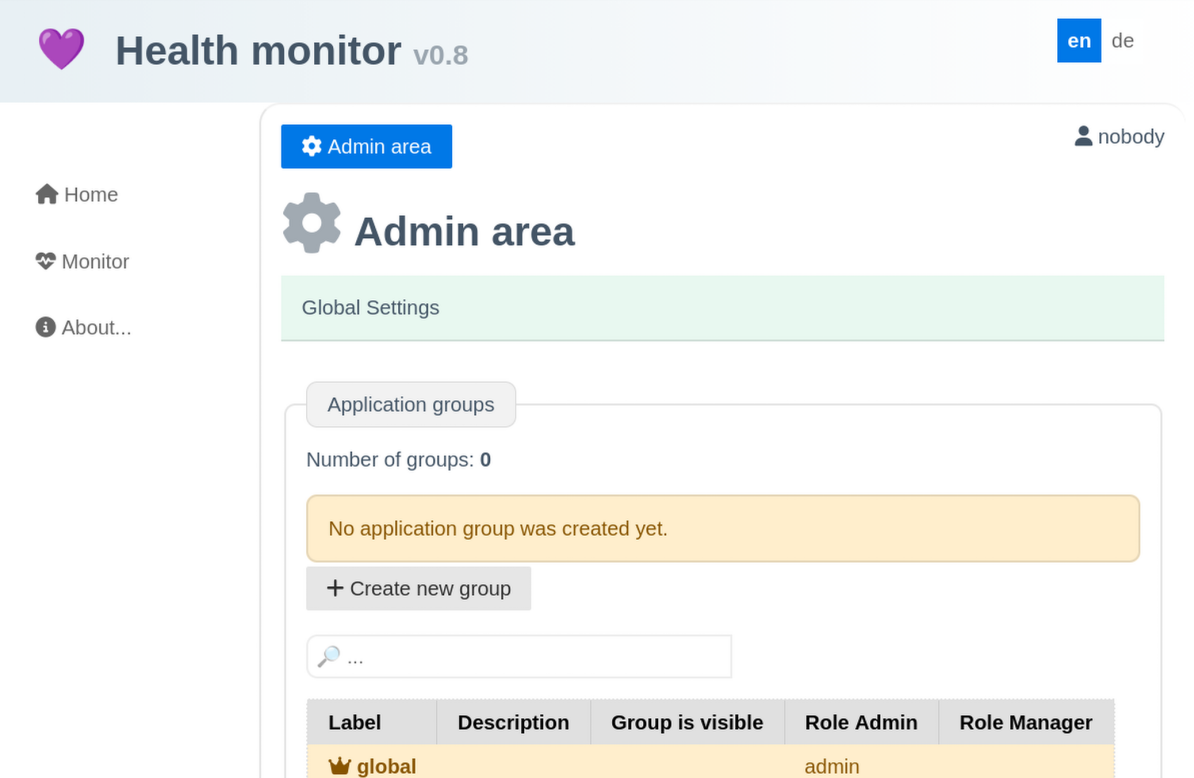
Setup an application group:
- Label: A single word for navigation label
- Description: A short description that will be shown as headline
- Tags: enable the wanted tags.
Press [Save] to store the application group.
If the monitor api access worked and your tags match minimum 1 application then everything will look fine. Below the tags you get a list of matching applications and their current status as a preview.
If something goes wrong it might be helpful to enable the devmode in the settings.php for a short period:
  ...
  "devmode" => true,
  ...